


Confluence AI agent that reads your spaces,answers in Teams and Slack.
Runbooks, handbooks and how-tos pile up in Confluence while people keep asking IT and HR. Workativ reads the spaces you choose, answers in Microsoft Teams or Slack with a link to the page, and files the request when an answer is not enough.
IT Teams of all sizes trusts Workativ AI to automate IT Operations & Support

The answer is usually in Confluence. Employees can't find the current copy, and Rovo needs every asker to have an Atlassian account.

Spaces grow too big to search
Spaces pile up over the years, and search lists page titles when people need one step.

Old and new pages sit side by side
Archived spaces and copied pages give two answers to one question, and people trust whichever ranks first.

Native AI wants an Atlassian account per asker
Rovo works for people with a Jira or Confluence Cloud account, so anyone outside those tools is left out.
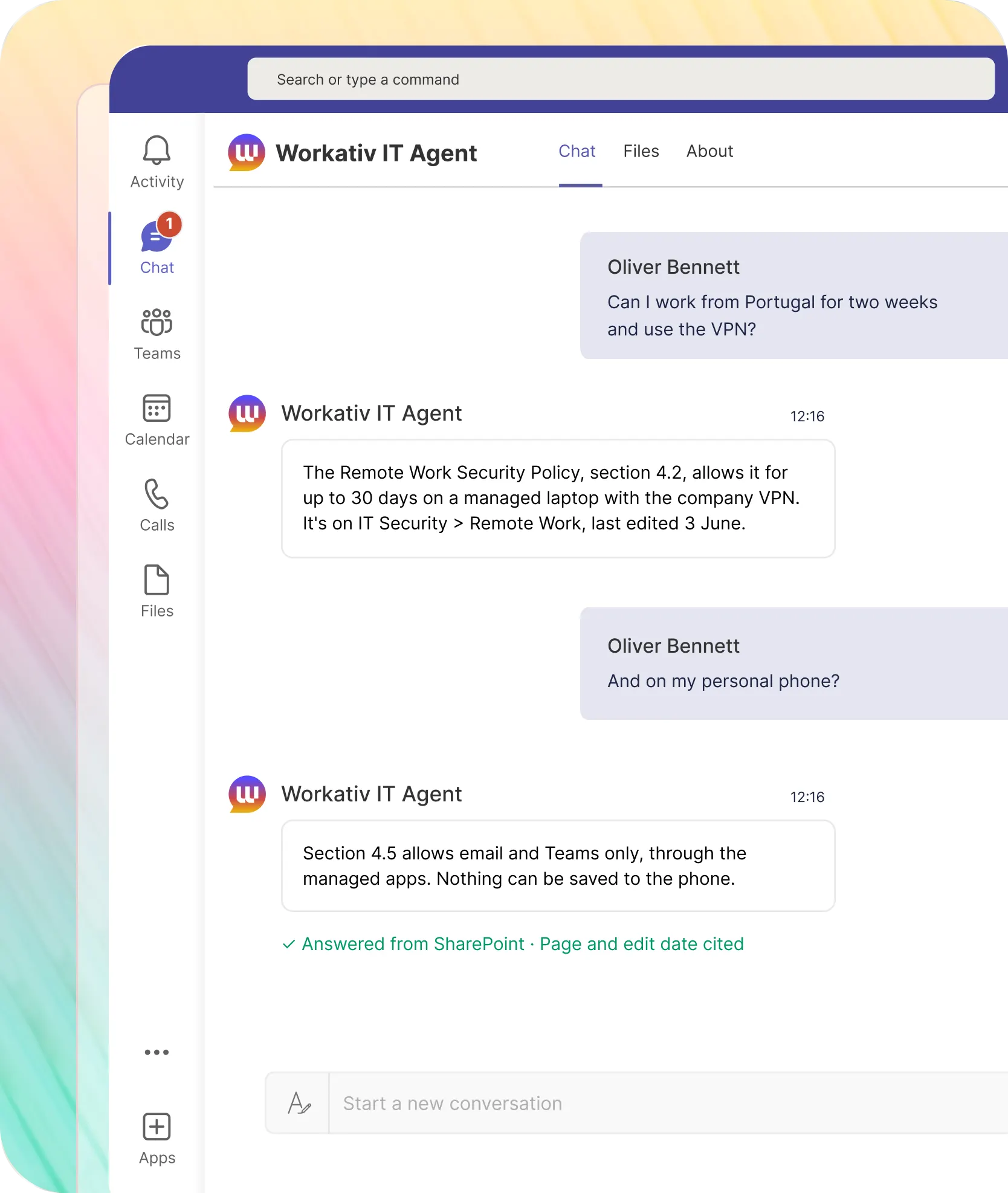
Staff ask in Teams or Slack, and the agent answers from the Confluence page that covers the question.
Each reply gives the page, its space and when it was last updated. When two pages disagree or none exists, the agent says so and hands over what it checked.
An employee asks how to set up VPN, and the agent replies with the steps from the IT space.

The reply gives the steps and names the page and the space it came from
The last-updated date is shown, so the reader can judge how old the steps are
78% of NMDC's IT tickets close without an engineer, with answers drawn from its own guides.
"Workativ has been with us every step of the way. From our first IT support use case to HR, and soon Procurement. The platform grows with us, and so does the team behind it. It's rare to find a solution that's both powerful and genuinely easy to manage."

Imran Abid
IT Operations Leader · NMDC Group

Deploy a Confluence AI agent in three steps.
Your team writes in Confluence as before. Employees ask in Teams or Slack, and the agent answers from those pages.
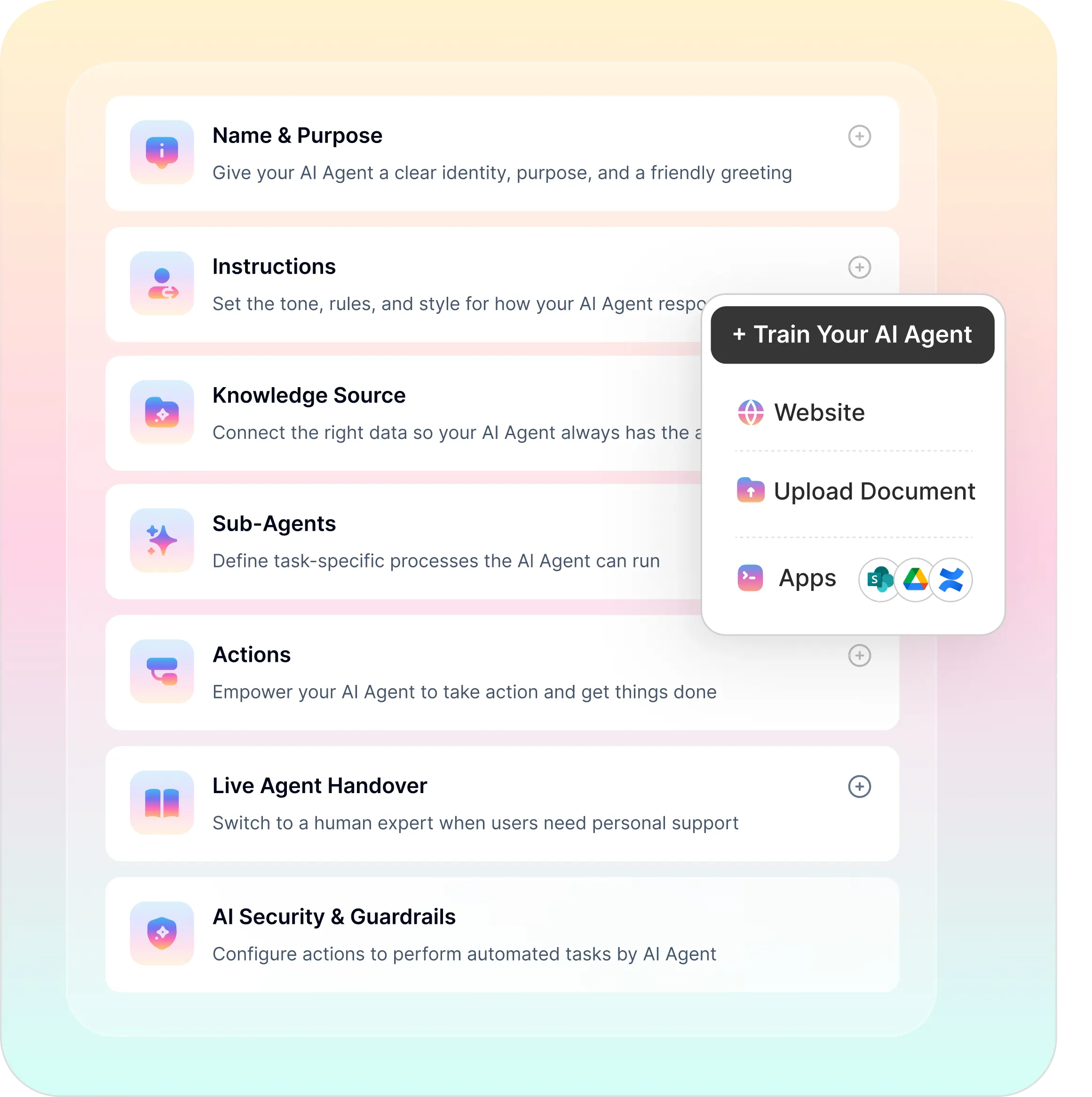
Choose the sites, ground every answer in them, and keep an eye on what is missing or out of date.
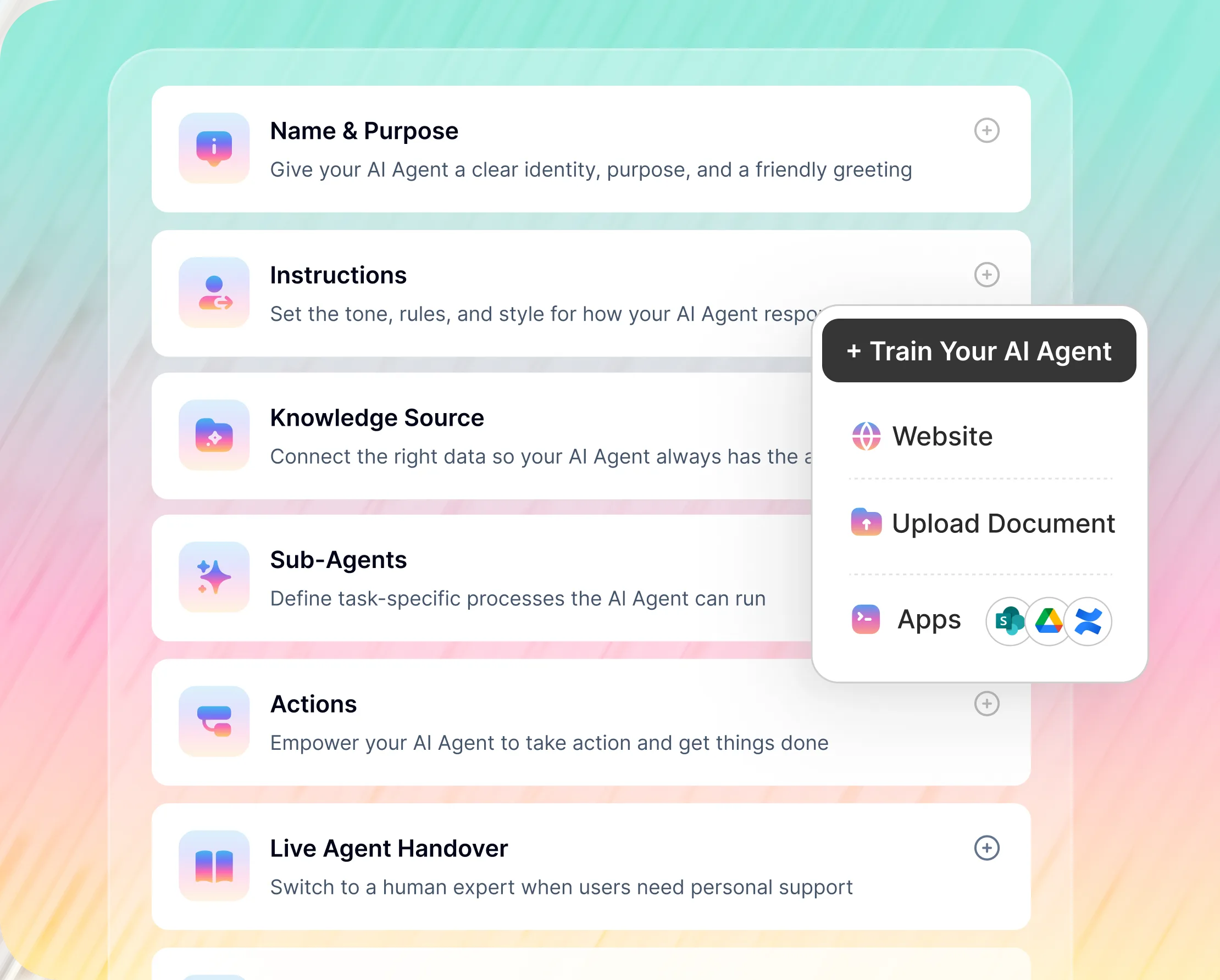
No-Code Builder for Your Confluence AI Agent
Choose which spaces the agent may read and which employees the agent answers
Decide the voice and who takes over for IT, HR or engineering topics
Let an answer end in a request where that makes sense
Atlassian Rovo and a Confluence AI assistant in chat, compared.
Atlassian built Rovo into its own products. Workativ answers from Confluence in Teams and Slack, and the agent can file the next request in Jira or your HR system.
What matters to IT |  |  |
|---|---|---|
Who can ask |  | Someone with an active Jira or Confluence Cloud account on a site where Rovo is enabled |
Where people ask | | Inside Confluence and Jira, and through Rovo apps for Slack and Teams |
How access is decided | | |
Content beyond Confluence | | Jira, Confluence and connected tools such as SharePoint and Google Drive, searched in private replies |
Acting after the answer | | Creates and updates Jira work items and Confluence pages, after confirming with the user |
Replies in shared channels | | Public replies need a shared account set up by an admin, and reach only content that account is allowed to see |

Where every asker already holds an Atlassian account and nothing leaves Jira and Confluence, Rovo may be enough, and its per-person access is a real advantage. Workativ makes sense when askers have no Atlassian account, or when an answer has to end with a request in another system. Plenty of teams would run the two together.
Confluence plus Jira, Entra ID and your other IT and HR systems.
When a page explains how to get access, the agent offers to raise the Jira ticket or the Entra ID group change in the same chat.


%20--%3e%3csvg%20version='1.1'%20id='Layer_1'%20xmlns='http://www.w3.org/2000/svg'%20xmlns:xlink='http://www.w3.org/1999/xlink'%20x='0px'%20y='0px'%20viewBox='0%200%20512%20512'%20style='enable-background:new%200%200%20512%20512;'%20xml:space='preserve'%3e%3cstyle%20type='text/css'%3e%20.st0{fill:%23F7F7F7;}%20.st1{fill:%2328E4C3;}%20.st2{fill:url(%23SVGID_1_);}%20.st3{fill:url(%23SVGID_2_);}%20%3c/style%3e%3ccircle%20class='st0'%20cx='256'%20cy='256'%20r='245.5'/%3e%3cg%3e%3cg%3e%3cpath%20class='st1'%20d='M304.7,405.6'/%3e%3c/g%3e%3c/g%3e%3cg%3e%3cg%3e%3cpath%20class='st1'%20d='M305.8,353'/%3e%3c/g%3e%3c/g%3e%3clinearGradient%20id='SVGID_1_'%20gradientUnits='userSpaceOnUse'%20x1='388.1461'%20y1='99.0534'%20x2='204.4846'%20y2='204.5899'%20gradientTransform='matrix(1%200%200%20-1%200%20514)'%3e%3cstop%20offset='0.18'%20style='stop-color:%230052CC'/%3e%3cstop%20offset='1'%20style='stop-color:%232684FF'/%3e%3c/linearGradient%3e%3cpath%20class='st2'%20d='M119.9,330.3c-3,4.9-6.4,10.7-9.3,15.3c-2.6,4.4-1.2,10,3.1,12.7l60.7,37.4c4.4,2.7,10.1,1.3,12.9-3%20c0,0,0.1-0.1,0.1-0.1c2.4-4.1,5.6-9.3,9-15c24-39.7,48.2-34.8,91.9-14l60.2,28.6c4.7,2.2,10.2,0.2,12.4-4.4c0-0.1,0.1-0.2,0.1-0.3%20l28.9-65.4c2-4.7,0-10.1-4.7-12.2c-12.7-6-38-17.9-60.7-28.9C242.6,241.2,173.1,243.7,119.9,330.3z'/%3e%3clinearGradient%20id='SVGID_2_'%20gradientUnits='userSpaceOnUse'%20x1='613.0198'%20y1='1773.9866'%20x2='429.3116'%20y2='1879.5697'%20gradientTransform='matrix(-1%200%200%201%20736.83%20-1676.71)'%3e%3cstop%20offset='0.18'%20style='stop-color:%230052CC'/%3e%3cstop%20offset='1'%20style='stop-color:%232684FF'/%3e%3c/linearGradient%3e%3cpath%20class='st3'%20d='M392.1,181.9c3-4.9,6.4-10.7,9.3-15.3c2.6-4.4,1.2-10-3.1-12.7l-60.7-37.4c-4.3-2.9-10.1-1.7-13,2.5%20c-0.1,0.2-0.2,0.4-0.3,0.6c-2.4,4.1-5.6,9.3-9,15c-24,39.7-48.2,34.8-91.9,14l-60-28.5c-4.7-2.2-10.2-0.2-12.4,4.4%20c0,0.1-0.1,0.2-0.1,0.3L122,190.2c-2,4.7,0,10.1,4.7,12.2c12.7,6,38,17.9,60.7,28.9C269.4,271,338.9,268.4,392.1,181.9z'/%3e%3c/svg%3e)



%20--%3e%3csvg%20version='1.1'%20id='Layer_1'%20xmlns='http://www.w3.org/2000/svg'%20xmlns:xlink='http://www.w3.org/1999/xlink'%20x='0px'%20y='0px'%20viewBox='0%200%20512%20512'%20style='enable-background:new%200%200%20512%20512;'%20xml:space='preserve'%3e%3cstyle%20type='text/css'%3e%20.st0{fill:%23EB3C00;}%20.st1{fill:%23FFFFFF;}%20%3c/style%3e%3ccircle%20class='st0'%20cx='256'%20cy='256'%20r='245.5'/%3e%3cpath%20class='st1'%20d='M152.2,332.7v-152L286.7,131l73.1,23.4V359l-73.1,22L152.2,332.7l134.4,16.2V171.9L199,192.4v119.8L152.2,332.7%20z'/%3e%3c/svg%3e)


%20--%3e%3csvg%20version='1.1'%20id='Layer_1'%20xmlns='http://www.w3.org/2000/svg'%20xmlns:xlink='http://www.w3.org/1999/xlink'%20x='0px'%20y='0px'%20viewBox='0%200%20512%20512'%20style='enable-background:new%200%200%20512%20512;'%20xml:space='preserve'%3e%3cstyle%20type='text/css'%3e%20.st0{fill:%230062FF;}%20.st1{fill:%23FFFFFF;}%20%3c/style%3e%3ccircle%20class='st0'%20cx='256'%20cy='256'%20r='245.5'/%3e%3cpath%20class='st1'%20d='M256,162.5l-91,58.2l91,58.2l-91,58.2l-91-59.1l91-58.2l-91-57.3l91-58.2L256,162.5z%20M164.1,355.5l91-58.2%20l91,58.2l-91,58.2L164.1,355.5z%20M256,278.1l91-58.2l-91-57.3l91-58.2l91,58.2l-91,58.2l91,58.2l-91,58.2L256,278.1z'/%3e%3c/svg%3e)


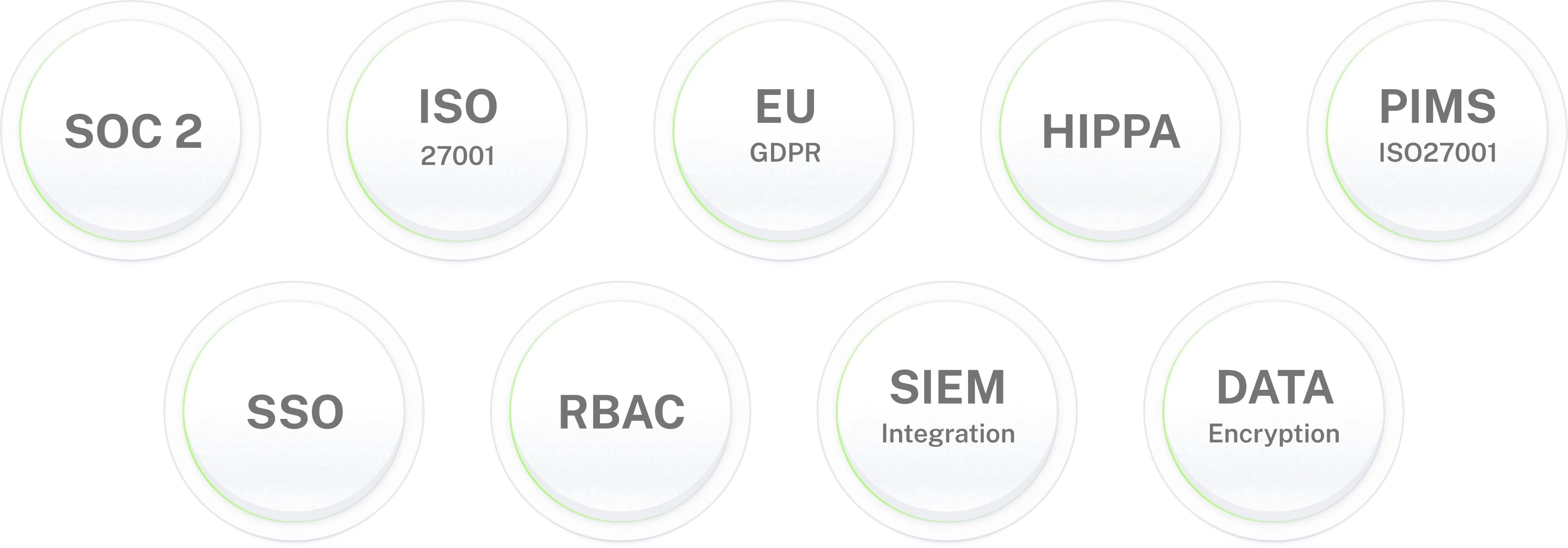
Enterprise-grade security for IT environments where data protection is non-negotiable.
Put a Confluence
AI agent in Teams and Slack.
Answers from the spaces you choose, with the page linked and a hand-off when none exists. Live in 3–5 days.
FAQ
Frequently asked questions: Confluence AI agent
What is a Confluence AI agent?
A Confluence AI agent takes questions from staff in Microsoft Teams or Slack and answers from the spaces you point it at, linking the page each time. Workativ also acts on the answer. When a procedure needs approval, the agent sends the request to the approver. When no page covers the question, the agent passes it to IT or HR.
Is a Confluence AI assistant the same as Atlassian Rovo?
No. Atlassian Rovo is Atlassian's own AI, built into Confluence and Jira, with apps for Slack and Teams. A Confluence AI assistant from Workativ is a separate agent that reads your spaces and answers in chat for people who may not have an Atlassian account. Some companies run Rovo for their Confluence users and Workativ for everyone else.
What Confluence content can the agent read?
Whatever sits in the spaces you select, meaning pages and the files attached to them. Spaces you leave out are never touched. IT, HR and onboarding make a sensible first batch, with engineering or finance following later.
How does Workativ connect to Confluence, and what access does Workativ need?
Through a dedicated Atlassian account connected to your Confluence Cloud site, with read-only scopes covering page content, space details and search. Atlassian applies Confluence permissions on top of the scopes, so the account sees only the spaces you add it to. Plan for that account to count as one Atlassian user.
Does the agent respect Confluence permissions?
It follows the permissions of the account it connects with, page restrictions included, so a page that account cannot open is never read or quoted. Rovo answers from each person's own access, which Workativ does not do. Here access is set per audience, so restricted material belongs in spaces the account has not been added to.
How does the Confluence AI agent keep answers current?
When someone edits a page in Confluence, Workativ picks up the new version, so the next answer uses it. Every answer carries the page title, the space and the date it was last updated, and you can choose an age after which the reply warns that the page may be stale.
What happens when old and new pages disagree?
It uses the page from the space you marked as current, mentions that an older copy exists, and sends both pages to the space owner as a task. If nothing matches at all, IT or HR gets the question with the nearest pages, and the employee hears that someone is looking into it.
Can the agent do more than answer questions?
Yes. After an answer that describes a request process, such as getting into a space or ordering a laptop for a new hire, the agent proposes starting it. The request goes into your ITSM or through the Entra ID and Microsoft 365 agents and follows whatever approval chain you already have.
Do we need Rovo or extra Atlassian licenses to use it?
Rovo is included with Standard, Premium and Enterprise Cloud plans of Jira and Confluence, with a monthly credit allowance and billing per credit beyond it, according to Atlassian's licensing page. Workativ does not draw on those credits, and employees do not need an Atlassian account to ask a question in Teams or Slack.
What is the difference between a Confluence chatbot and a Confluence AI agent?
A chatbot looks up a page and replies. An agent decides which page to trust when two disagree, starts the follow-up request, and tells space owners which questions found nothing. Workativ's earlier Confluence chatbot page describes the first part, and this page covers the full agent.
How long does deployment take?
Most teams have the Confluence AI agent live in three to five days. Connecting the Atlassian account takes little time. The days go on picking the first spaces and testing real questions against the pages they cite, usually starting with IT and HR.
Which chat platforms does the Confluence AI agent support, and what can we measure?
Both Teams and Slack, giving the same answers. The dashboard lists the pages cited most, the questions that matched no page, and the pages older than your limit. Logs record which pages backed each answer and can be sent on to your SIEM.